Hypic vs CapCut: Which AI Photo Editor Should You Actually Use?
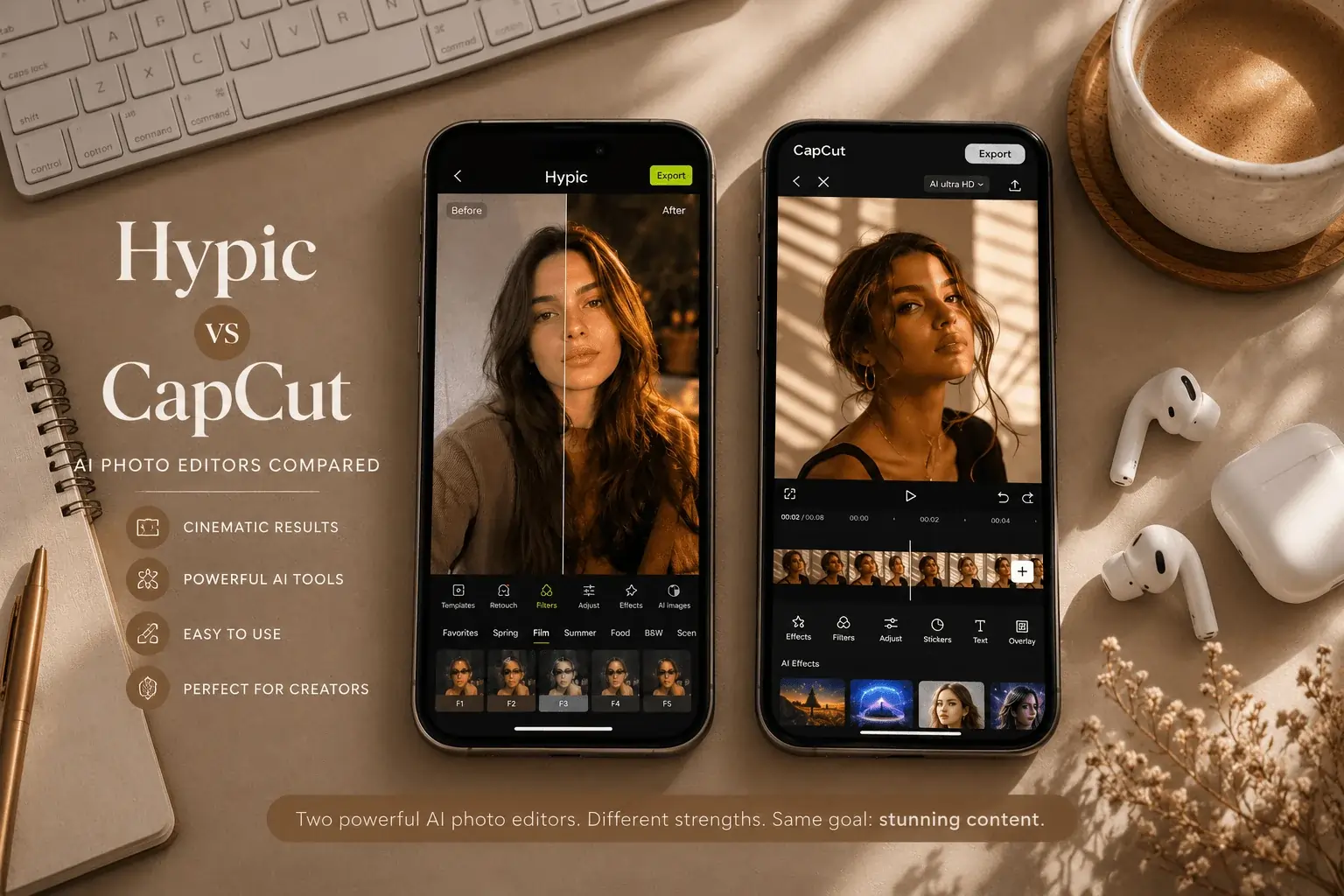
Both Hypic and CapCut come from the same parent company — ByteDance, the company behind TikTok. They share the same engineering roots, the same developer account, and even some overlapping template libraries. Yet they are built for entirely different workflows, and choosing the wrong one means spending time on features you will never use.
This is not a spec-sheet comparison. This is a feature-by-feature breakdown based on actual hands-on use — what each app does well, where each one falls short, and which specific type of creator should be using which tool. By the end, you will have a clear answer for your situation, not just a generic “it depends.”
What Are These Apps, Actually?
Before comparing features, it is worth being precise about what each app is designed to do — because most comparison articles blur this distinction and end up confusing readers.
Hypic (full name: Hypic – Photo Editor & AI Art) is a photo-first editing application. Its entire interface, toolset, and AI model are built around still images. You open a photo, apply AI enhancements, retouch, cut out backgrounds, generate AI art, and export. There is no video timeline. There are no keyframes. The workflow starts and ends with photos.
CapCut (full name: CapCut – Video Editor & Maker) is a video-first editing application that also handles photos. You can edit photos inside CapCut, but the app is structured around a video timeline. Most of its AI features — auto captions, beat sync, body tracking, voice changers — are video-oriented. Photo editing in CapCut is functional but secondary to its core purpose.
Interface and Learning Curve
Hypic Interface
When you open Hypic, you see a clean photo canvas with tool categories along the bottom — Cutout, Retouch, Filter, Text, Stickers, Templates. There is no timeline, no layer system, no track. Everything is immediate. You tap a tool, it applies to your photo, you adjust. The average beginner can produce a usable social media post within their first ten minutes in the app.
CapCut Interface
CapCut opens to a video project screen with a timeline at the bottom. Even when editing a single photo, you are working inside a video project. The interface rewards users who understand concepts like keyframes, track layers, and transition timing. For pure photo editing tasks, this adds unnecessary friction — you are navigating a video editing environment to accomplish a photo editing goal.
AI Features: Where Each App Is Strong
This is the most important comparison for most users in 2025, because AI tools are the primary reason people choose either app over older mobile editors.
Hypic AI Features
AI Cutout (Background Removal) — Hypic’s flagship AI feature. It uses semantic segmentation to isolate subjects from backgrounds, including fine detail like hair, transparent glasses, and pet fur. The accuracy on portrait shots is genuinely impressive, and edges hold up cleanly even when zoomed in at 100%. No other mobile photo editor currently matches Hypic’s cutout quality on still images.
AI Background Generation — After removing a background, you type a text prompt and Hypic generates a photorealistic replacement scene. “Golden hour rooftop,” “minimalist studio with soft light,” “rainy Tokyo street at night” — the output quality is high enough for professional social media use without additional post-processing.
AI Enhance — One-tap image quality improvement. Hypic’s enhance model sharpens detail, recovers shadow information, and reduces noise without producing the plastic, over-processed look that affects most mobile enhancers. Particularly effective on photos taken in low light or on older phone cameras.
AI Avatar / AI Art Generator — Upload a set of selfies and Hypic generates stylized avatar portraits in multiple visual styles: illustrated, cinematic, anime, professional headshot. Creators use this for profile pictures, YouTube thumbnails, and branded social media content.
Beauty and Retouch AI — Skin smoothing, teeth whitening, face reshaping, blemish removal — all AI-assisted and adjustable by slider. The controls are more granular than most mobile alternatives, which means results look natural rather than artificially processed.
CapCut AI Features
Auto Captions — CapCut’s strongest AI feature by a significant margin. It transcribes spoken audio and generates synchronized captions automatically, with accuracy that rivals dedicated transcription tools. For video creators posting to TikTok, Instagram Reels, or YouTube Shorts, this single feature alone justifies the app.
AI Video Templates — CapCut’s trending template system is exceptionally well-executed. Templates sync video clips to music beats automatically and are updated constantly with viral formats. If staying current with trending audio and edit styles is part of your content strategy, CapCut’s template library is unmatched.
Body Tracking and Motion Effects — CapCut can detect and follow subjects across a video frame, applying effects that move with the subject. Practically useful for dance, fitness, and lifestyle video content.
AI Background Removal (Video) — CapCut offers background removal for video frames, not photos. The accuracy on moving subjects is good for a mobile app but noticeably less precise than Hypic’s photo cutout on still images.
Export Quality: The Detail That Matters Most
Export quality directly affects whether your content looks professional or amateurish when published. Most comparison articles are vague on this point.
| Export Factor | Hypic (Mod APK) | CapCut Free | CapCut Pro |
|---|---|---|---|
| Maximum Resolution | 4K Ultra HD | 1080p | 4K |
| Watermark-free | ✔ Always | ✔ With login | ✔ Always |
| PNG Transparency | ✔ Clean edges | ⚡ Limited | ✔ Yes |
| Subscription required | ✘ Free (Mod) | ✘ Free | ✔ ~$9.99/mo |
Platform Availability
| Platform | Hypic | CapCut |
|---|---|---|
| Android | ✔ Official + Mod APK | ✔ Official |
| iOS | ✔ Official | ✔ Official |
| PC / Desktop | Via emulator (BlueStacks) | ✔ Official app |
| Web Browser | ✘ Not available | ✔ capcut.com |
CapCut has a meaningful advantage here. Its official web version at capcut.com works in any browser without installation. For creators who work across multiple devices or prefer not to use an Android emulator, this matters. Hypic on PC requires BlueStacks or a similar emulator, which adds setup steps and uses more system resources.
Full Feature Comparison: Hypic vs CapCut
| Feature | Hypic | CapCut |
|---|---|---|
| Primary Purpose | Photo editing | Video editing |
| AI Background Removal | ✔ Excellent (photos) | ⚡ Good (video frames) |
| AI Background Generation | ✔ Text-prompt based | ✘ Not available |
| AI Avatar Creation | ✔ Built-in | ✘ Limited |
| AI Enhance (photos) | ✔ Advanced | ⚡ Basic |
| Beauty / Retouch AI | ✔ Granular controls | ⚡ Basic |
| Auto Captions | ✘ Not available | ✔ Excellent |
| Video Timeline Editor | ✘ Not available | ✔ Full multi-track |
| Beat Sync Templates | ✘ Not available | ✔ Extensive library |
| 4K Export (free) | ✔ Mod APK | ✘ Pro required |
| Watermark-free | ✔ Mod APK | ⚡ With account login |
| Official Web Version | ✘ No | ✔ capcut.com |
| PC Support | Via emulator | ✔ Official app |
Who Should Use Which App
- Create photos, not videos, as your primary content
- Need clean AI background removal for portraits or products
- Want 4K watermark-free exports without a subscription
- Use AI-generated backgrounds or avatars in your workflow
- Post to Instagram feed, Pinterest, or photo-based platforms
- Edit selfies, beauty content, or lifestyle portraits regularly
- Create TikTok, Reels, or YouTube Shorts as your main content
- Need automatic captions for talking-head or narrated video
- Want trending templates that sync video to music beats
- Work across devices and need a web-based editor
- Require multi-track audio, keyframes, or transition control
- Build content around viral TikTok trends and formats
Use Both Together (Recommended for Most Creators)
This is the most practical answer for creators who produce mixed content. Hypic handles photo editing and static graphic creation. CapCut handles video assembly and short-form content. The two apps are developed by the same company and can be used in sequence — edit a photo in Hypic, bring the polished result directly into a CapCut video project. This is the same workflow pattern as editing in Photoshop and assembling in Premiere Pro, just on mobile.
E-Commerce Sellers
Use Hypic for clean product cutouts and white-background shots. Use CapCut if you also create product demo videos or unboxing content.
Beauty & Lifestyle Creators
Hypic for portrait retouching and feed posts. CapCut for short-form transformation videos and trending beauty trends on TikTok.
Gaming & Tech Content
Hypic for thumbnail creation and promotional graphics. CapCut for gameplay clip editing, highlight reels, and reaction-format videos.
Food & Restaurant
Hypic for background removal on food photography and menu graphics. CapCut for recipe videos, restaurant tours, and Reels content.
Ready to Try Hypic for Photo Editing?
Download Hypic Mod APK — all premium AI tools unlocked including 4K export, AI background generation, and unlimited avatars.
Download Hypic Mod APK →Pricing: What Each App Actually Costs
| Plan | Hypic | CapCut |
|---|---|---|
| Free Version | Available (ads, limited AI tools) | Available (with account login) |
| Monthly Pro | ~$7/month | ~$9.99/month |
| Annual Pro | ~$39/year | ~$89.99/year |
| Mod APK (Android) | ✔ All features free | ✘ Not available |
For Android users specifically, Hypic Mod APK provides everything the $7/month Pro plan includes — unlimited AI cutouts, 4K export, no ads, no watermarks — at zero cost. This is the primary reason most Android users on photo-focused content strategies choose Hypic over any paid alternative.
Frequently Asked Questions
Final Verdict: Hypic vs CapCut
Hypic and CapCut are not competing for the same user — they are complementary tools built for different halves of the content creation workflow. The question is not which one is better in absolute terms. The question is which one matches your primary content output.
If you create photos — product shots, portraits, social media graphics, AI art — Hypic is the better-suited tool. Its AI features are deeper for still images, its photo editing workflow is more intuitive, and the Mod APK version delivers 4K watermark-free exports at no cost.
If you create videos — TikTok content, YouTube Shorts, Instagram Reels — CapCut is the better-suited tool. Its auto caption system, beat-sync templates, and multi-track video editor are purpose-built for short-form video in a way that Hypic simply is not designed for.
For the majority of creators who produce both types of content, both apps belong on your phone. They are designed by the same company to work in sequence, and together they cover the entire mobile content creation workflow without overlap.
Which combination of tools are you currently using for your content? Share your workflow in the comments — it helps other creators find the right setup for their specific type of content.